Why Syncing Your Venue Calendar is Critical for Business
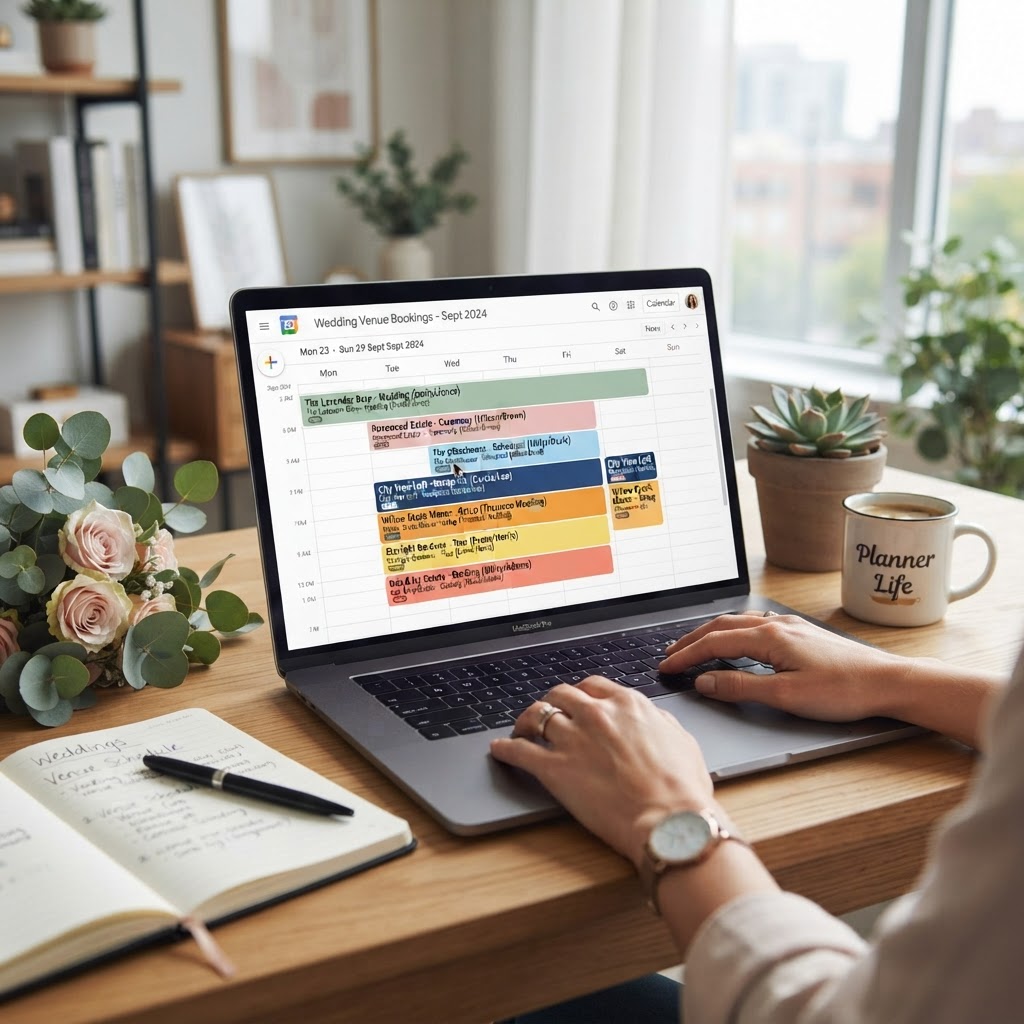
In the competitive South African wedding industry, administrative efficiency is the difference between a booming business and a chaotic one. Whether you are managing a boutique estate in the Cape Winelands or a modern industrial venue in Johannesburg, double-booking a prime Saturday date can cost you tens of thousands of Rands in lost revenue and damage your professional reputation. By syncing your management tools with Google Calendar, you ensure that every inquiry from wedding venues seekers is managed against real-time availability.
The Benefits of Digital Integration
Manual tracking in physical diaries is a thing of the past. When you connect your bookings to a cloud-based calendar, you enable seamless updates. If a couple books a site inspection via your website, the time slot can be automatically blocked off. This prevents conflicts with other essential services, such as your wedding suppliers who may need access to the venue for setup.
1. Real-Time Updates
Google Calendar allows you to share specific views with your catering team, décor specialists, or house managers without giving them full administrative access to your business account.
2. Cross-Device Accessibility
Whether you are at a bridal expo in Durban or meeting a bride-to-be at a coffee shop, you can instantly confirm availability from your smartphone or tablet.
How to Sync Your Calendar: A Step-by-Step Guide
Setting up the sync is simpler than most venue owners expect. Follow these steps to ensure your systems communicate effectively:
- Step 1: Access your primary calendar settings in your venue management software.
- Step 2: Look for the 'Export' or 'iCal Feed' link. This is a special URL that acts as a bridge.
- Step 3: Open Google Calendar on your desktop.
- Step 4: On the left-hand side, click the plus icon next to 'Other calendars' and select 'From URL'.
- Step 5: Paste your iCal link and hit 'Add calendar'.
Integrating with Local South African Systems
Many South African venues use specific booking platforms. The key is to ensure these platforms support 'Two-Way Sync'. This means that when you add a booking to Google Calendar, it reflects in your booking platform, and vice versa. If you offer onsite accommodation for wedding parties, syncing these extra bookings is vital to keep your housekeeping staff informed.
Pro Tip: Always use a dedicated 'Venue Booking' email address for your calendar sync. Avoid using your personal Gmail to ensure that data remains professional and easily transferable if you hire an assistant manager in the future.
Common Pitfalls to Avoid
Even with the best technology, human error persists. Avoid these mistakes to keep your business running smoothly:
- Ignoring Time Zones: Always ensure your Google Calendar is set to SAST (South African Standard Time) to prevent scheduling errors.
- Forgetting Sync Intervals: Some platforms only refresh data once every 24 hours. Check your settings to ensure 'Live Sync' is enabled.
- Not Backing Up: While Google is reliable, keep a master spreadsheet of all wedding contracts and deposit dates as a safety net.
Conclusion: Elevate Your Venue Management Today
Implementing a synchronized calendar is one of the easiest ways to professionalize your venue operations. It builds trust with clients, reduces administrative stress, and ultimately helps you grow your business. If you are ready to take your venue to the next level, sign up with VenueFlow to get listed and start attracting your ideal wedding couples today.